The Grade Calculator by Educationise helps you calculate your grades accurately in just a few seconds. Whether you are a student, teacher, or parent, this tool makes grade calculation simple and stress-free.
Enter your marks, scores, or percentages, and the calculator instantly shows your final grade. You do not need to apply formulas or do manual calculations. The results are clear and easy to understand.
This grade calculator works for assignments, quizzes, exams, and final course grades. It supports different grading systems and is designed for everyday academic use. Fast, reliable, and free to use, the Educationise Grade Calculator helps you know exactly where you stand academically.
Grade Calculator
| Assignment | Grade (Marks) (0-100) | Weight (%) | |
|---|---|---|---|
You don’t need complex formulas or spreadsheets because our calculator gives you fast and reliable results that help you plan better for exams, projects, or retakes. Whether you’re in high school, college, or an online course, this calculator gives you instant clarity.
Our calculator uses the following grading system.
| Letter Grade | Percentage Range |
|---|---|
| A+ | 97% – 100% |
| A | 93% – 96% |
| A- | 90% – 92% |
| B+ | 87% – 89% |
| B | 83% – 86% |
| B- | 80% – 82% |
| C+ | 77% – 79% |
| C | 73% – 76% |
| C- | 70% – 72% |
| D+ | 67% – 69% |
| D | 63% – 66% |
| D- | 60% – 62% |
| F | Below 60% |
In many educational systems, not all assignments or exams are weighted equally when calculating your final grade. Some may account for more of the overall score than others. An article published in Harvard Graduate School of Education says that different grading systems can add cognitive load on the students.
Educational tools like grade calculators can help students to some extent by helping them to calculate their grades instantly in just few clicks. They don’t have to worry about stressful manual calculations where each segment of their course work carries a distinct weight.
What Does a Grade Calculator Do?
A grade calculator is a simple tool that shows your final grade by combining all your scores and how much each one counts. It looks at tests, assignments, quizzes, and exams, then calculates the result based on their actual importance in the course.
Instead of giving every task the same value, a grade calculator weighs each score correctly. This gives you a more accurate picture of your performance and helps you understand how each assessment affects your final grade.
This is especially useful in weighted grading systems where your final exam might count for 50% of the total grade, while quizzes only contribute 10%. Weighted averages are useful when some elements have more importance than others. The calculator handles these variations seamlessly and ensures your output reflects what your actual final result will be.
In short, it saves you time, reduces stress, and helps you stay on track academically by knowing exactly where you stand.
How to Use Grade Calculator?
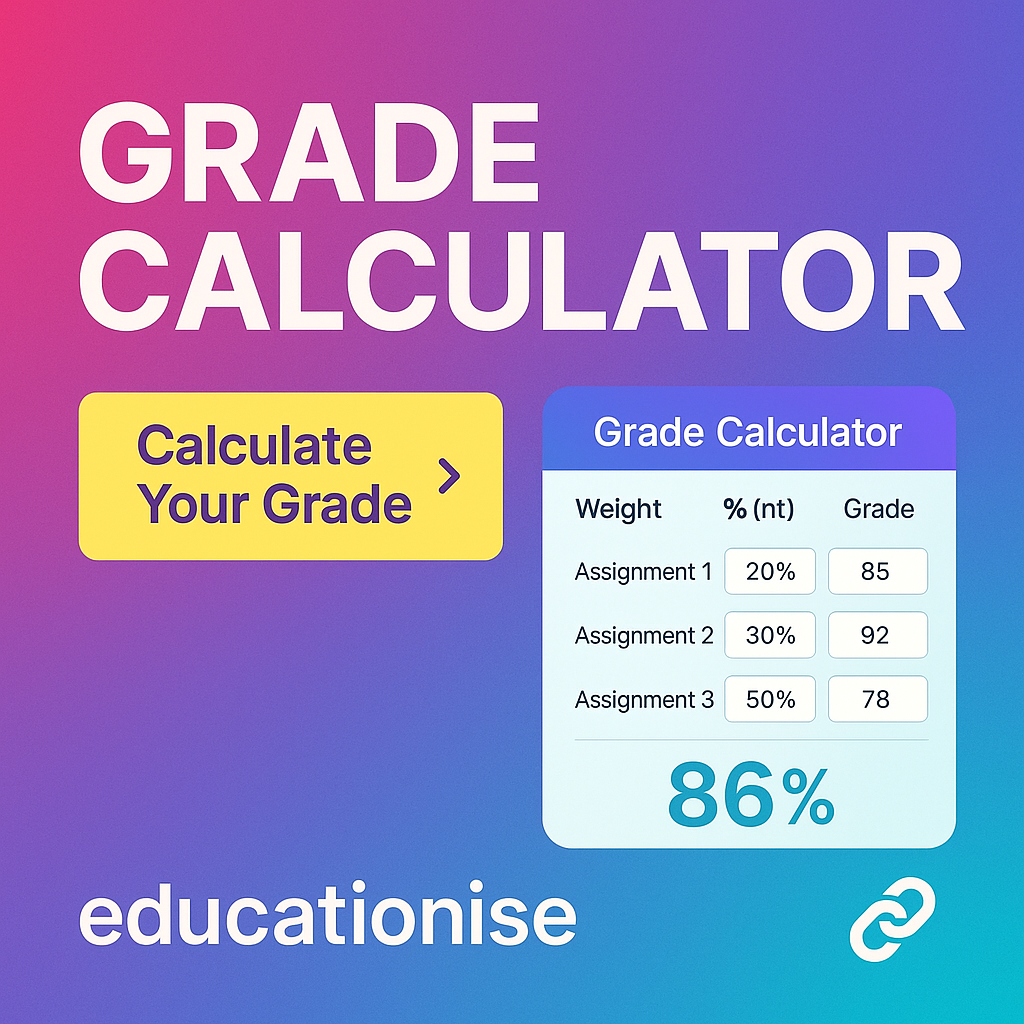
To use the calculator, all you need to do is follow three simple steps:
- Enter Your Grades: Input the grades you’ve received on homework, quizzes, exams, projects, or any other coursework.
- Add the Weights: Assign a weight to each task. For example, if a midterm is worth 30% of your grade, enter 30 as the weight.
- Calculate Your Final Grade: Press the calculate button to see your weighted grade instantly.
The calculator can also tell you what score you need on future assessments to reach a specific grade goal. This is especially helpful for students wondering what they need on the final exam to pass the class or get an A.
Final Grade Calculator Example
Let’s say your course includes the following:
- Homework Average: 90%, worth 25% of your grade
- Midterm Exam: 80%, worth 30%
- Class Participation: 100%, worth 10%
- Final Exam: Yet to be taken, worth 35%
You can enter the completed grades and weights, leave the final exam score blank, and let the calculator tell you what score you need on the final to achieve your desired course grade.
This predictive feature helps students plan smarter, not harder. It can also help you decide where to focus your efforts in the last stretch of the semester.
Who Should Use This Calculator?
This grade calculator is ideal for:
- High School Students: Trying to figure out their report card results or semester averages
- College Students: Taking complex courses with varying grade distributions
- Online Learners: Who need to calculate grades in self-paced or modular courses
- Teachers and Tutors: Who want to quickly estimate a student’s performance
- Parents: Helping their children monitor school progress at home
Regardless of your academic level or institution, if you’re working with multiple assessments that carry different weights, this calculator is a must-have.
Benefits of Using the Educationise Grade Calculator
Here’s why this calculator stands out:
- Speed: Get results instantly without needing a spreadsheet or manual formula.
- Simplicity: Clean interface that doesn’t require sign-ups or app downloads.
- Accuracy: Handles weighted grading systems perfectly—even when things get complicated.
- Flexibility: Supports both percentage and letter grade inputs, depending on how your course is graded.
- Mobile-Friendly: Use it on any device—desktop, tablet, or smartphone.
It’s also completely free to use, with no restrictions or paywalls. That means unlimited calculations whenever you need them.
Plan Your Success with Smart Grade Tracking
A smart grade calculator helps you plan your grades before it is too late. By entering your current scores and upcoming assessments, you can see what grades you need to reach your target result. This allows you to make better study decisions and focus on the areas that matter most.
Instead of guessing your final outcome, the grade calculator gives you a clear picture of your academic progress. It helps students stay on track, reduce stress, and set realistic goals throughout the course.
Use the Grade Calculator Now
The Grade Calculator by Educationise makes it easy to understand your academic progress at any stage. With quick and accurate results, it helps you stay informed, plan better, and avoid last-minute surprises.
Whether you are tracking current grades or planning future results, this grade calculator gives you clarity and confidence. Simple to use and reliable, it is the smart choice for students, teachers, and parents who want accurate grade calculations without confusion.
Frequently Asked Questions (FAQs)
A grade calculator is an online tool that allows you to calculate your final grade for a class, course, or semester. It helps you estimate your grade based on your scores for assignments, tests, and projects, taking into account the weight of each component.
To calculate your grade using an online tool, simply enter the scores you’ve received for each assignment, exam, or project, along with their respective weight percentages. The grade calculator will then compute your final grade based on the inputs you provide.
Yes, the grade calculator is completely free to use. There are no charges or subscriptions required, making it an accessible and easy-to-use tool for students of all ages.
Yes, the grade calculator allows you to calculate weighted grades. You can input the weight of each assignment or exam, and the calculator will give you your final grade based on the percentage values you provide for each weighted component.
This grade calculator is highly accurate, as it uses the standard formula for grade calculation. Once you enter your grades and weights correctly, the tool will provide precise results for your final grade estimation.
Yes, the grade calculator is specifically designed to help you estimate your final grade for a class or semester. By inputting your current grades and the weight of upcoming assignments or exams, you can see how they will impact your overall grade.
Yes, this grade calculator can be used by both high school and college students. It supports multiple grading systems and can be used to calculate final grades for any academic level, whether you’re in high school, college, or university.
To calculate your final grade, enter the grades for each of your assignments, exams, and projects along with their respective weights. The grade calculator will combine these inputs and calculate your overall grade for the course or semester.
You can use the grade calculator whenever you want to track your progress throughout the semester or to estimate your final grade after a major exam or assignment. It’s helpful for students who want to stay on top of their academic performance.
While the Grade Calculator helps estimate final grades, it can also be used to calculate grades that factor into your GPA. However, for a complete GPA calculation, you would need to input the grades and credit hours for all your courses into a GPA calculator.